తెలుగు · Telugu
Free joining, paid-post worker shares, both plans and post responsibility.


Register free for launch updates.
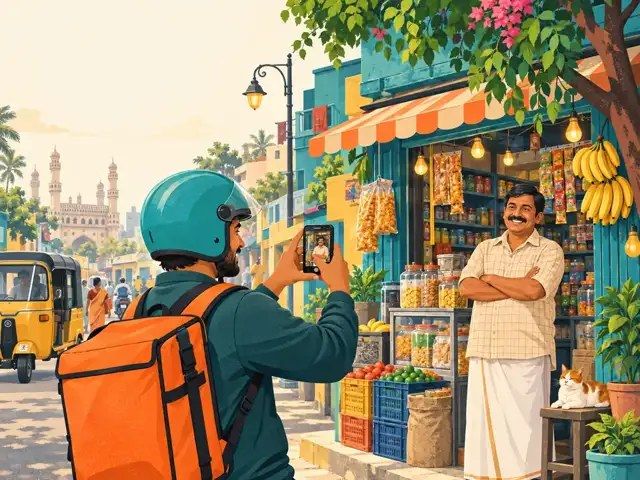
Install from this site. No Play Store needed.
Android Chrome: open the browser menu and choose Install app or Add to Home screen. iPhone: open in Safari, tap Share, then Add to Home Screen.
Internet is required for live posts, registration and payments.
Download Android APK (beta)Version 1.0.0 · Android 7+ · 1.7 MB. Generated and signed with PWABuilder. Not yet tested on an Android phone. Android may ask you to allow installation from this browser. Internet and a compatible browser are required.
Swipe or scroll sideways. Real posts from Giggy Workers appear first; cards marked Sample are examples.
Loading posts...
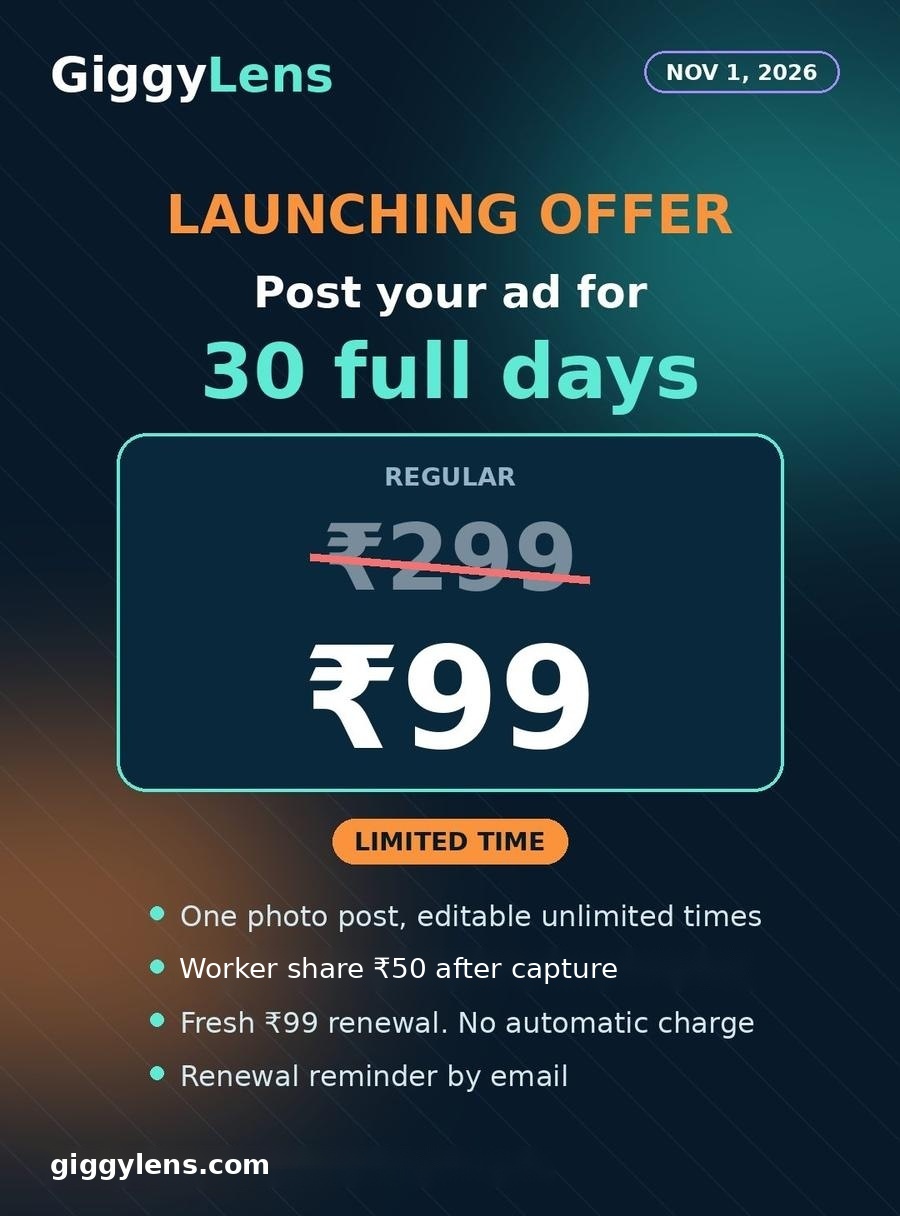
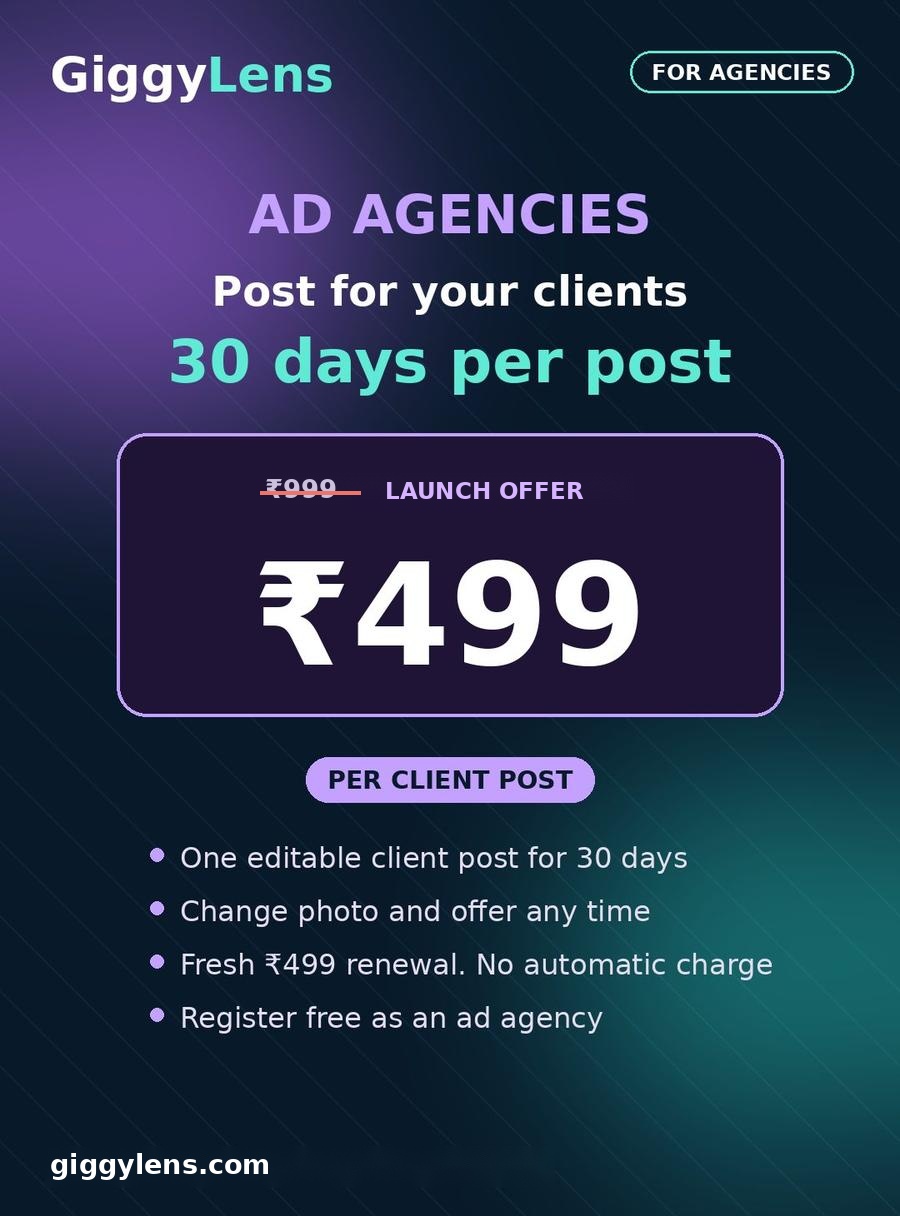
Registration is free. Worker share: ₹5 per captured ₹10 post or ₹49.50 per captured ₹99 monthly post (launching offer, regular ₹299). Monthly means one editable post for 30 days, with a fresh payment to renew. Ad agencies posting for clients pay ₹499 per post for 30 days.
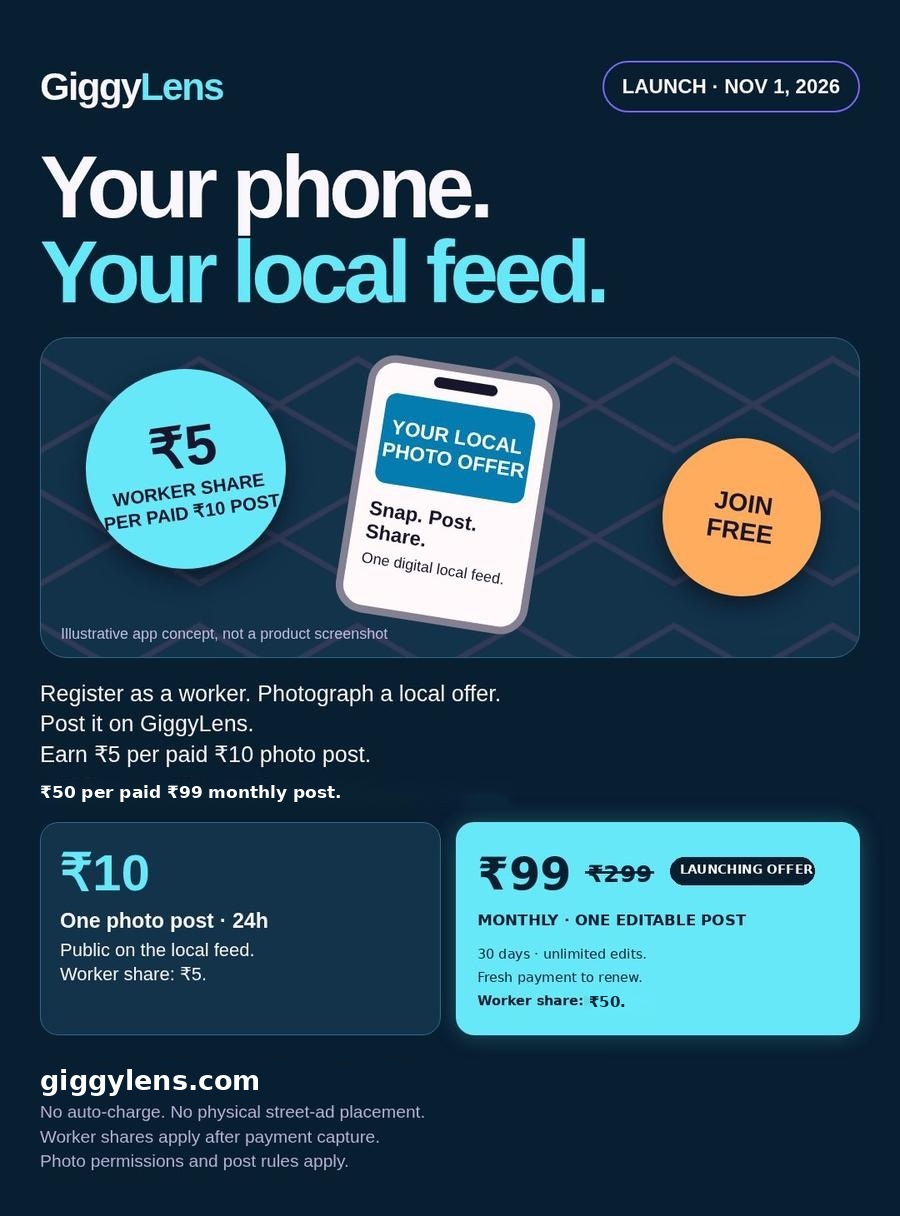
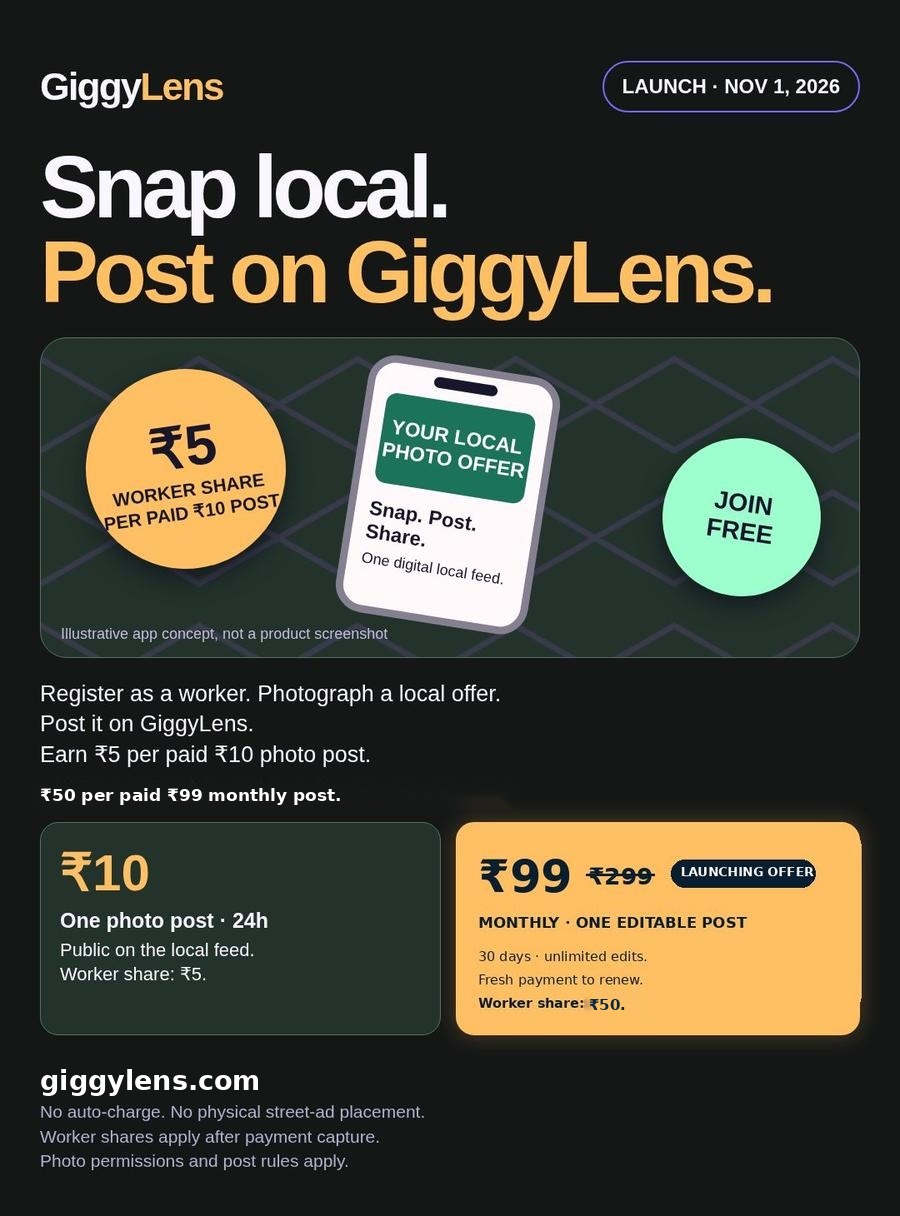
Discover local photo offers on GiggyLens.
Viewer rewards are planned. Not available yet.
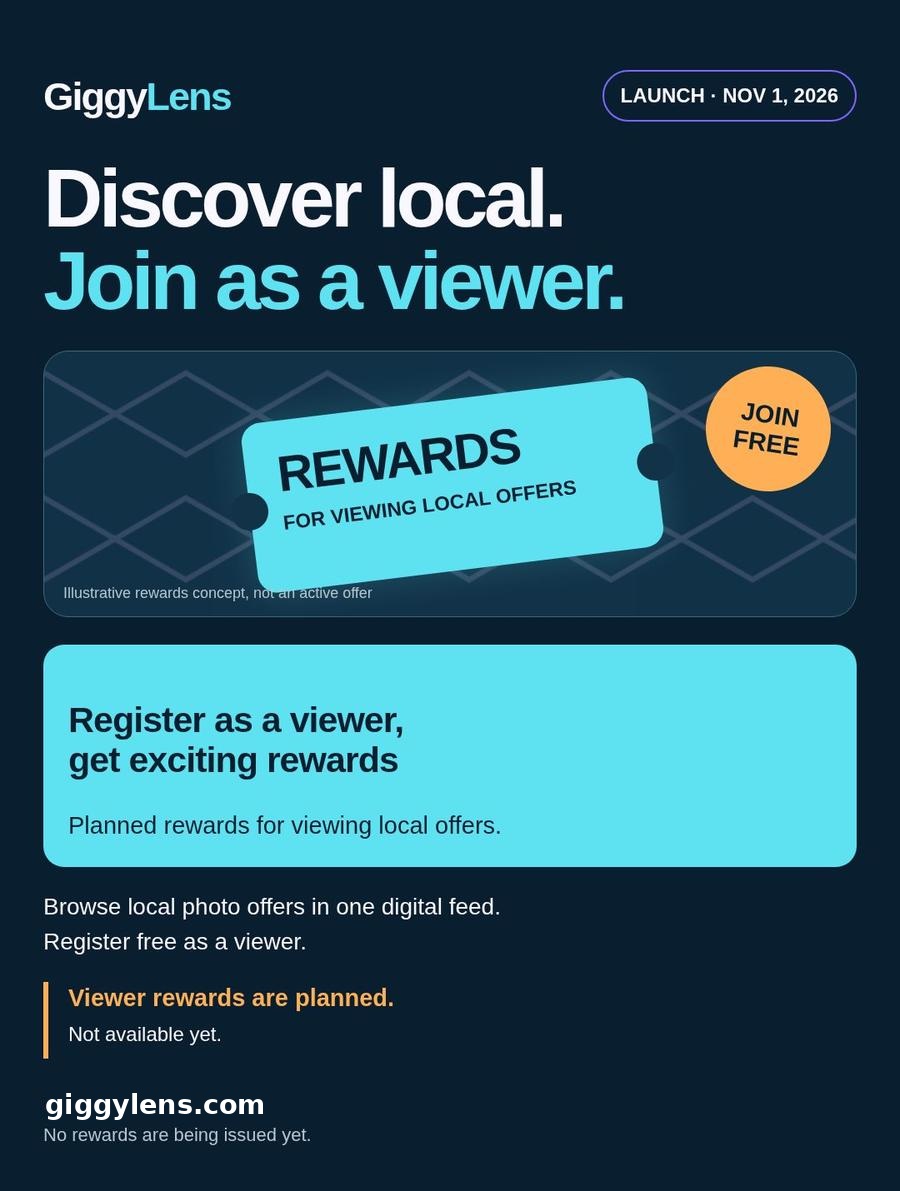
Watch in Telugu or English. Viewer rewards are planned and not available yet.
Free joining, paid-post worker shares, both plans and post responsibility.
One editable monthly post, fresh renewal and no automatic charge.
One photo post. Worker share ₹5 after capture.
One editable post. Worker share ₹49.50 after capture. Fresh ₹99 renewal, no automatic charge. Limited-time launching offer, regular price ₹299.
One editable client post, for agencies posting on behalf of clients. Fresh ₹499 renewal, no automatic charge.
GiggyLens · ₹10 posts: 24 hours · ₹299 ₹99 posts: 30 days (launching offer) · Agency posts: ₹499 for 30 days
Version b20261019offer99i · Contact GiggyLens
Free to join. We will contact you.
Giggy Workers only. Posts are checked before they go live, then stay up for 24 hours.
One flat ₹10. No % commission. No hidden charges.
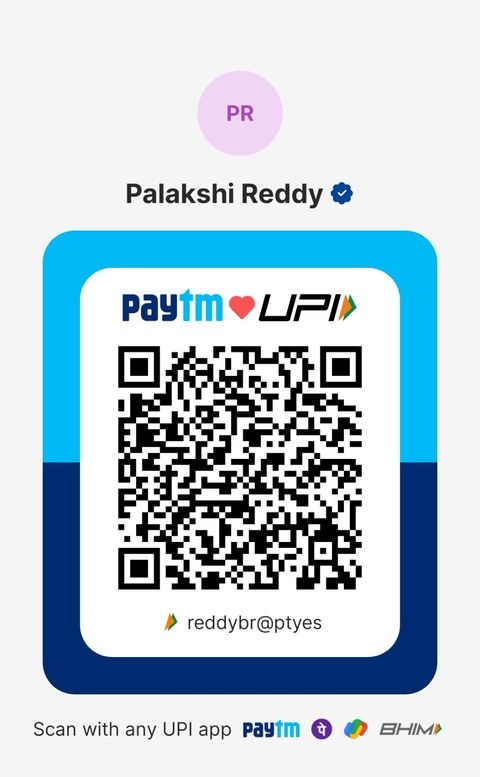
On a phone the button opens your UPI app. On a computer, scan the QR and enter ₹10. UPI ID: reddybr@ptyes · Payee: Palakshi Reddy. Money goes straight to the owner's UPI account.
Snap a photo and post it. ₹10 keeps it live 24 hours; ₹99 (launching offer, regular ₹299) keeps one editable post live 30 days.
Posts you sent from this phone.